
How to download the new My Church App for New Zion Baptist Church.
- Delete the Old New Zion App.
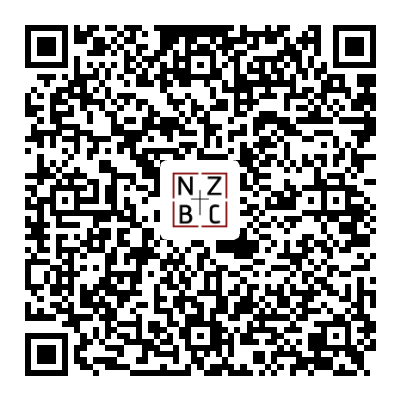
- Download My Church by Push Pay in your app store or scan the QR Code.
- When prompted, type the keyword newzionbapt
- Enter your phone number.
- You will receive a text to confirm your phone number is correct.
- Enter the confirmation number.
- Enter your information.
- Follow the instructions to open the app.
Explore the app to view your groups and check in for youth and children for events.
One element in the app is the Church Community Builder (CCB). Church Community Builder is a database for our people, by our people. If you are a member of New Zion or completed an online information form after September 2026 while visiting a service or event, you have a profile.
Church Community Builder is an online tool for checking your giving history, sending and receiving messages from your group leaders, registering for upcoming events, connecting with others, and so much more.
- To access your profile in Church Community Builder, select “Log in to Church Community Builder” from the first page of the “My Church App” home screen.
- Tap Request Account.
- Enter Your Information
- Check your email to verify your account.
- Update your information and add a photo!
- Stay connected to your church family.
If you have trouble logging in to the My Church App or Church Community Builder:
You may have trouble creating an account if someone in your family already has the same cell number, your cell phone is not listed, or your email address is incorrect or not listed. Click on “Update Your Family Information” to submit the correct information. Our records go back about 25 years and may need updating. Please be patient as we update this process.
A staff member will email you when it is complete. Then you can repeat the steps above. It may take 1 to 3 business days for a staff member to enter the information.